Sale and Purchase Invoice
Create branded invoices, track dues in real time, and keep customer billing organized from one dashboard.
Loading Net Force...
Smart, digital, and completely paperless. Manage your business like a pro
Need help getting started? Watch the Kaapi tutorial on YouTube.
Tap a module to preview the workflow and details.

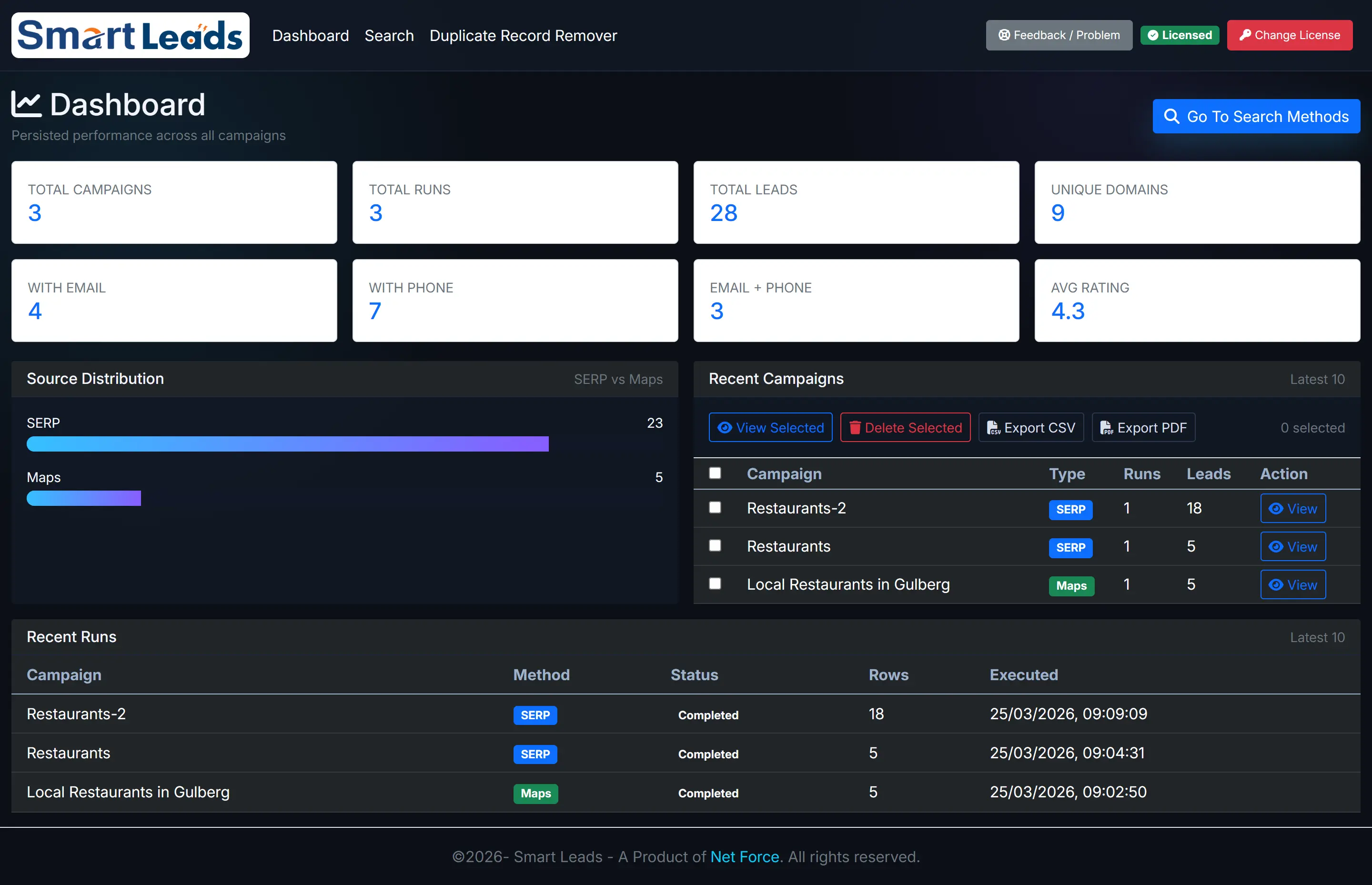

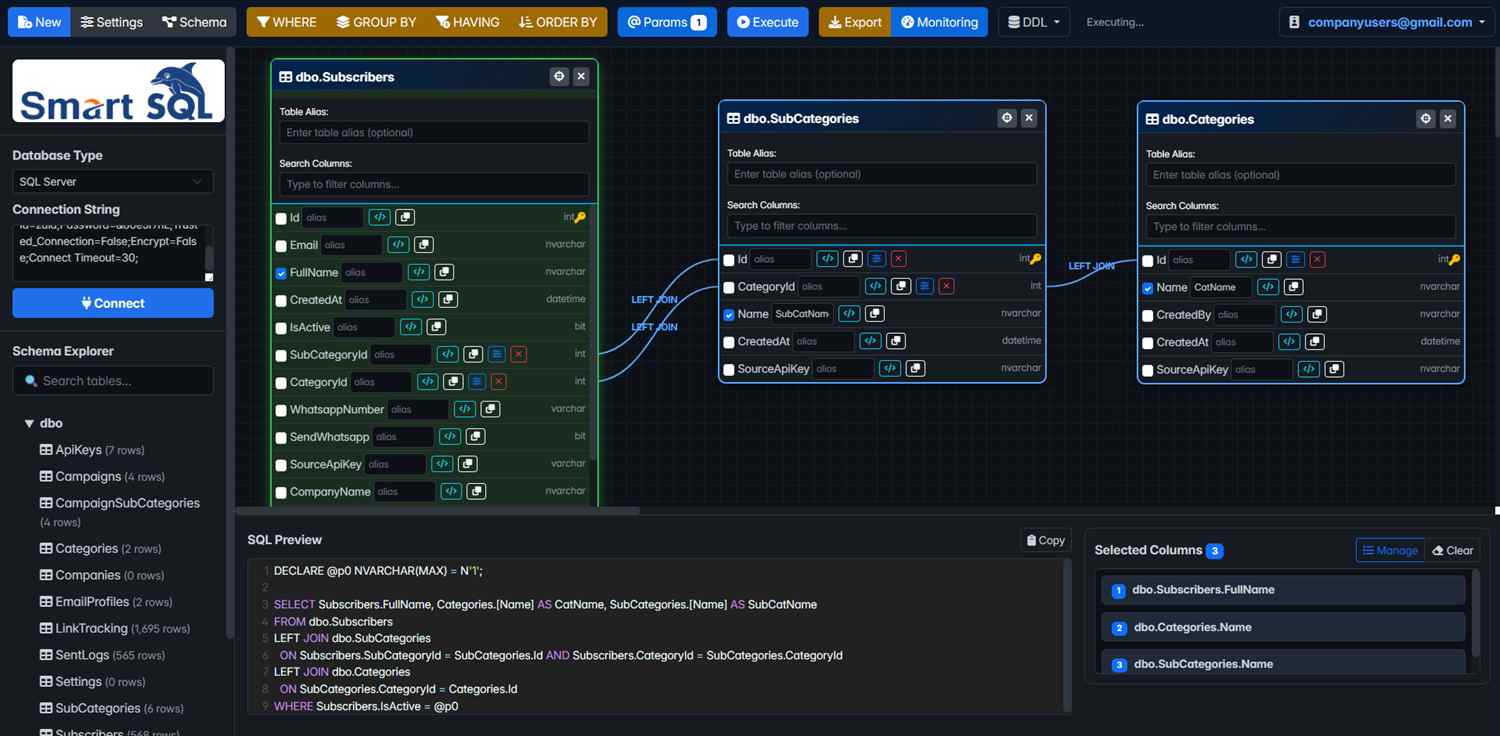
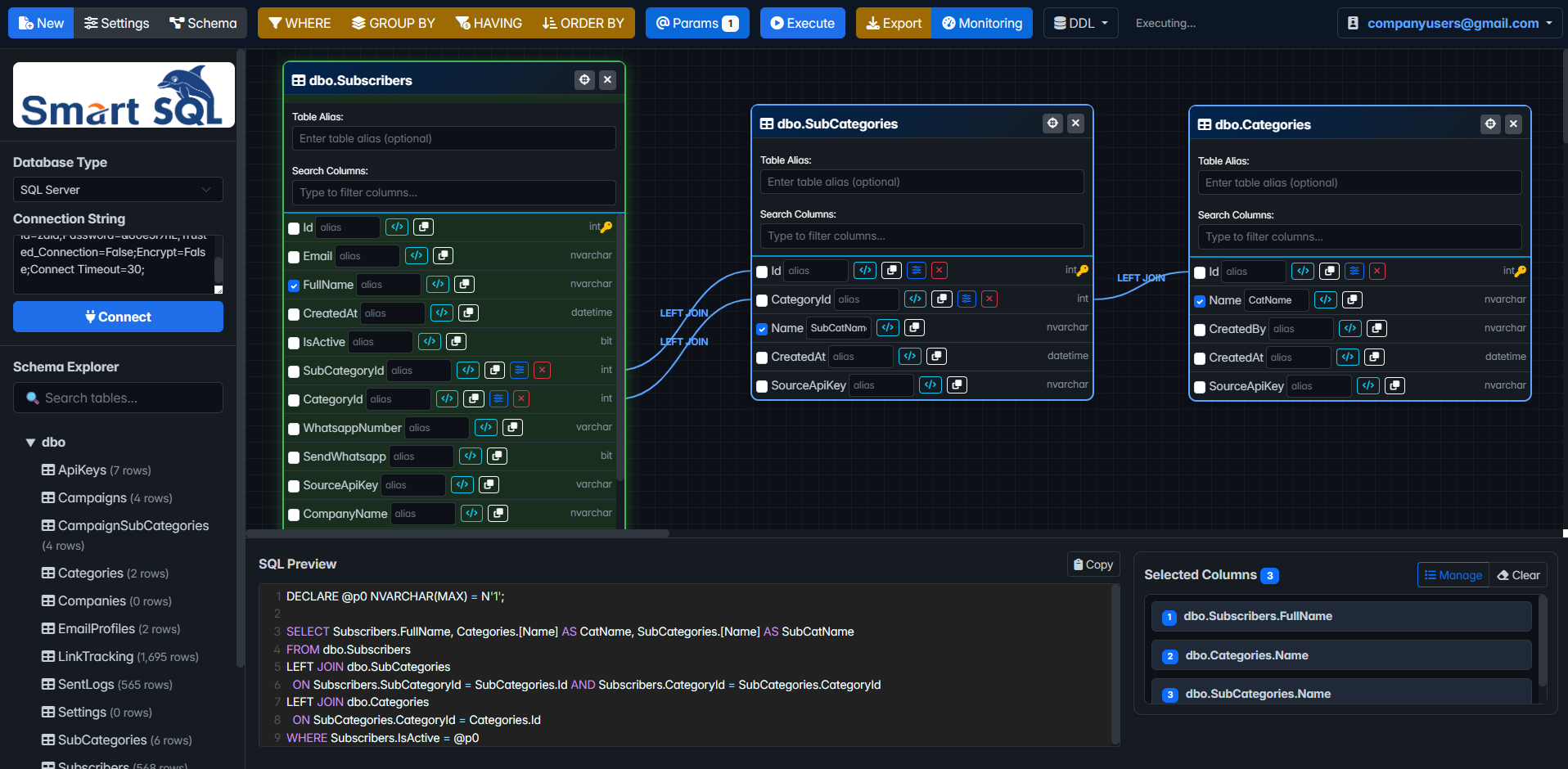
Create branded invoices, track dues in real time, and keep customer billing organized from one dashboard.
Record partial and full payments instantly, reconcile balances, and reduce collection follow-up time.
Maintain accurate customer and supplier or vendor ledgers with searchable transaction history and running balances.
Track stock movement, low-stock alerts, and item-level performance.
Fear of data loss is a thing of the past. Powered by cloud technology for seamless data synchronization. Login to multiple devices without missing a beat.
Security is our top priority. Kaapi uses advanced encryption and access controls to protect your data.
Common questions about Kaapi setup, modules, and daily business usage.
Kaapi helps manage invoices, payments, ledgers, inventory, and data sync in one app workflow.
Yes. Kaapi is designed for daily store operations and scales as your transaction volume grows.
No. Kaapi is built to be easy to use from day one, and you can follow the official YouTube tutorial for setup and onboarding.